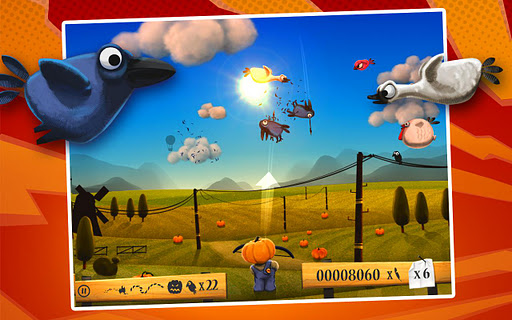
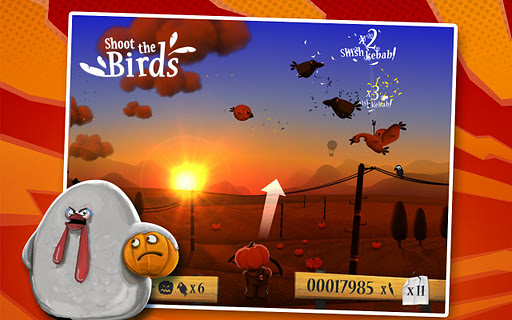
Shoot The Birds 1.0.2 APK
Posted by Unknown on Tuesday, October 23, 2012
More about → Shoot The Birds 1.0.2 APK



How to play with Sixaxis Android APK
Posted by Unknown

Before we get started, check your phone compatibility first so we can know whether it's Sixaxis controller supported or not.
How to check?
1. Go to&Tester in Google Play
2. Install and if your device supported, go to the next step
How to install?
1. Download and extract this APK + exe (MF) or APK + exe (IDWS)
2. Install the pairing tools for Windows and once it's launched, you will see a window that has a line which says Current Master: Searching.
3. You must now connect your DualShock 3 controller via USB to your PC (cable is included with every PS3) and the text in Step 2 will change to a sort of code in the format xx:xx:xx:xx:xx:xx. This is the Bluetooth address with which the DualShock 3 controller is currently paired with.
4. You need to find the Bluetooth address of your phone. This can be found inside the Sixaxis Controller app. At the bottom you will see Local Bluetooth Address. This address must be entered into the desktop Pairing Tool. Once entered, click on Update.
5. Disconnect the DualShock 3 controller from your PC and press the PS/Home button it. If you followed the steps correctly and if your phone is compatible, the DualShock 3 controller will now be paired with your Android smartphone. Pressing left/right/up/down on the d-pad will show up in the app.
6. Tap on Change Input Method from inside the app on your phone and select Sixaxis Controller.
You shall now be able to play any games that support key bindings (read: custom controls). Emulators such as NESoid, PSX4Droid etc. support key bindings, so you can use them to play games on your Android phone with a DualShock 3 controller. If your phone is HDMI ready, you can connect your phone with a supported display to get the ultimate portable gaming experience.
source

London2012-Official Game v1.4 APK
Posted by Unknown
 &
&
**Premium version provides additional 3,000 stars and 5 max. stamina points, double stat rewards (Worth $5.50)**
1. Install APK
2. Copy data to sdcard/android/obb
3.&Copy TB files to titaniumbackup folder *root needed and restore data

Spirit XHD v2.1.0 APK
Posted by Unknown

 &
&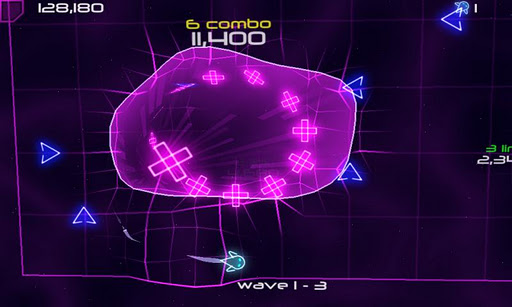
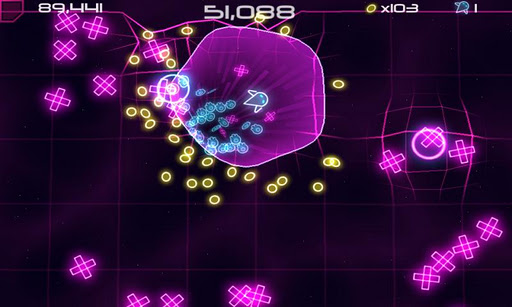
Simple and fun to play. No shooting. No on-screen controls. Just slide your finger and Spirit will mimic your movements.&